
Anúncios
Free Up Space on Your Device Effortlessly

Discover Top Apps
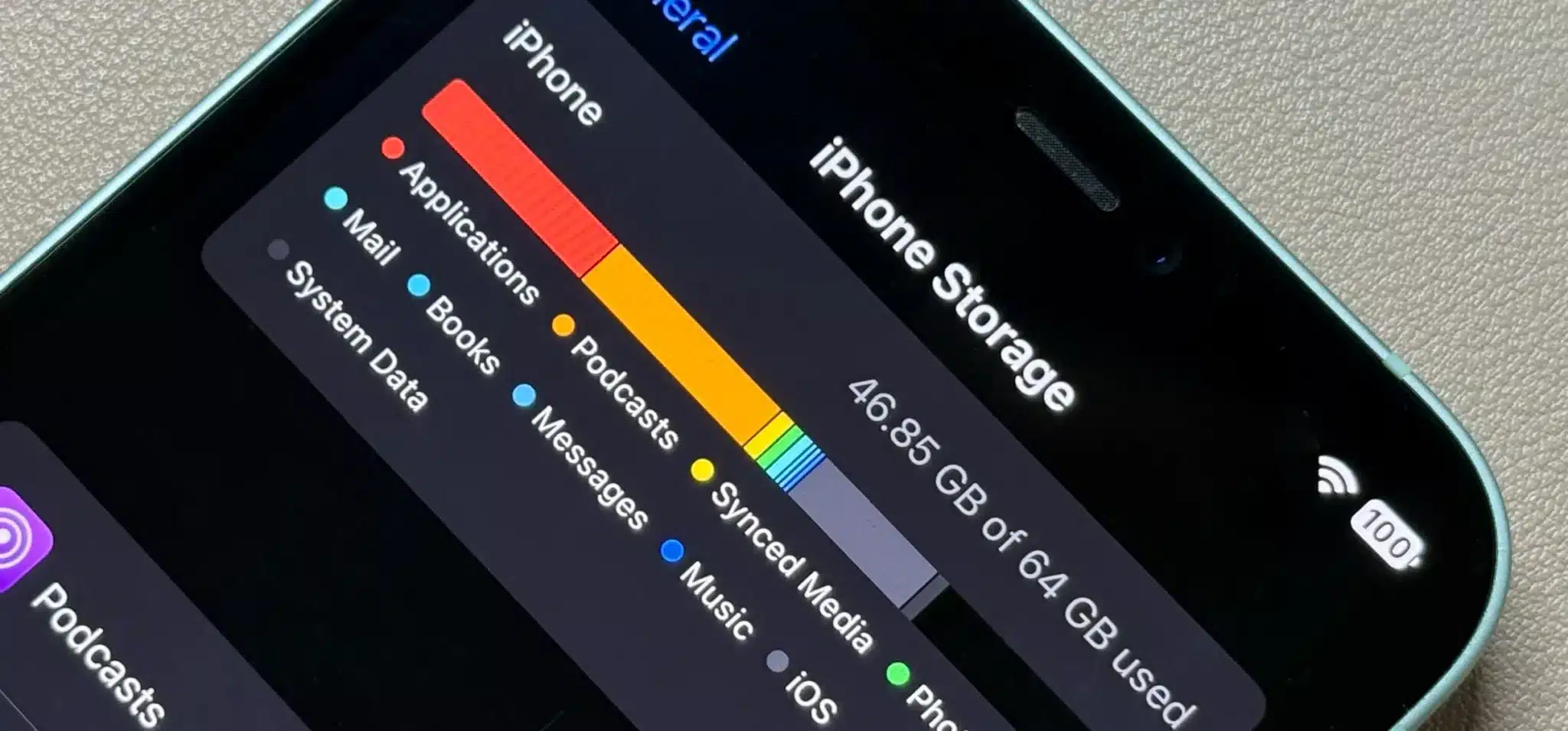
Running out of storage space on your smartphone or tablet has become one of the most common frustrations in our digital age. Photos, videos, apps, cached data, and mysterious files accumulate faster than we realize, gradually consuming every megabyte until that dreaded “storage full” notification appears. The good news? You don’t need to be a tech expert or spend hours manually deleting files to reclaim your precious digital real estate.
Modern storage management apps have evolved into powerful, intelligent tools that can analyze your device, identify space hogs, and clean up unnecessary clutter with just a few taps. Whether you’re using Android or iOS, there’s an entire ecosystem of applications designed specifically to help you optimize storage, boost performance, and keep your device running smoothly. Let’s explore how these apps work and which ones deserve a spot on your smartphone. 📱
Anúncios
Why Your Phone Keeps Running Out of Space
Before diving into solutions, it’s crucial to understand why storage depletion happens so quickly. The average smartphone user today captures high-resolution photos, streams videos, downloads music, installs countless apps, and accumulates gigabytes of cached data from social media platforms. Each of these activities leaves digital footprints that consume storage.
Modern cameras on smartphones can produce images that are 5-10MB each, while 4K videos eat up storage at an alarming rate of approximately 375MB per minute. Add to this the fact that many apps create temporary files and cache data to improve performance, and you have a recipe for rapid storage consumption. Messaging apps like WhatsApp and Telegram automatically download media files, which can accumulate to several gigabytes over time.
Anúncios
System updates also require substantial temporary space, and if your device doesn’t properly clean up after updates, these residual files linger indefinitely. Understanding these patterns helps you appreciate why storage management apps have become essential tools rather than optional conveniences.
How Storage Cleaning Apps Actually Work 🔍
Storage optimization applications function through several sophisticated mechanisms. First, they scan your device’s file system to create a comprehensive map of what’s consuming space. This analysis categorizes files into groups like photos, videos, apps, documents, downloads, and system cache.
The most effective apps use intelligent algorithms to identify duplicate files, similar photos, blurry images, screenshots you no longer need, and temporary files that serve no purpose. They distinguish between essential system files and disposable junk, ensuring that cleaning operations won’t compromise your device’s functionality or delete important data.
Many premium storage apps incorporate machine learning to recognize patterns in your usage. For example, they might notice that you frequently download PDF files, read them once, and never open them again. Over time, these apps become smarter about suggesting what to remove, adapting to your specific habits and preferences.
Safe Deletion vs. Risky Removal
Not all files are created equal when it comes to deletion safety. Storage apps categorize removable items into risk levels. Safe-to-delete files include app caches, temporary files, duplicate photos, old downloads, and installation packages for apps already installed on your device.
Risky deletions involve system files, app data that contains settings or progress (like game saves), and files that might be referenced by other applications. Reputable storage management apps clearly distinguish between these categories and typically require explicit user confirmation before removing anything potentially important.
Top Features to Look For in Storage Apps
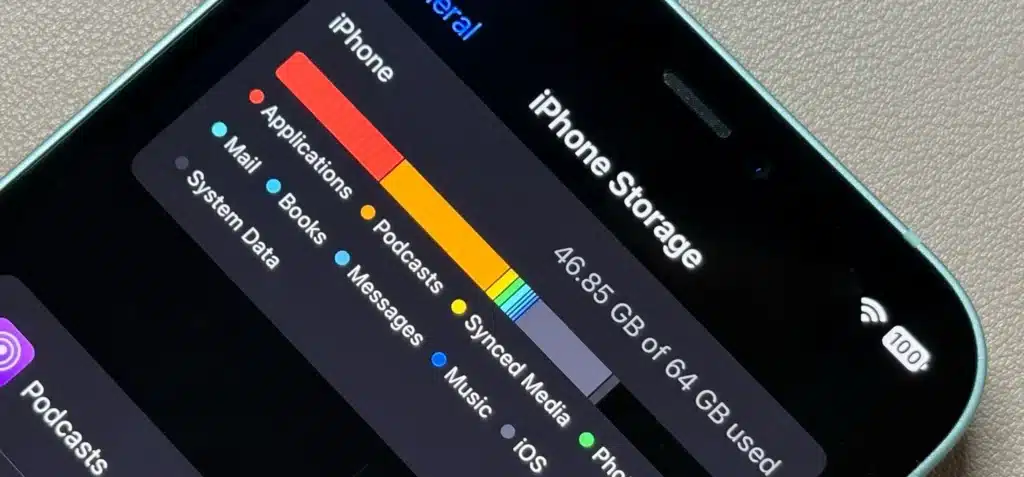
When choosing a storage optimization app, several key features separate excellent tools from mediocre ones. The interface should be intuitive, allowing even non-technical users to navigate confidently. Visual representations of storage usage through charts and graphs help you quickly identify problem areas.
Intelligent file categorization ensures you can browse by file type, size, or date modified. The best apps offer customizable cleaning options, letting you choose exactly what gets removed rather than forcing an all-or-nothing approach. Real-time monitoring capabilities alert you when storage dips below certain thresholds, preventing those surprise “storage full” moments.
Privacy protection is paramount. Your storage cleaning app will necessarily have access to your files, so it must employ robust security measures and transparent privacy policies. Apps that process everything locally without uploading your data to cloud servers offer the highest privacy assurance.
Automated Cleaning Schedules
The most convenient storage apps include scheduling features that automatically perform cleaning operations weekly or monthly. This set-it-and-forget-it approach ensures your device stays optimized without requiring constant manual intervention. You can typically customize these schedules to run during specific times, like overnight when you’re not actively using your device.
Understanding Different Types of Junk Files 🗑️
Storage management becomes more effective when you understand the various categories of removable files. App cache represents temporary data that apps store to load content faster. While useful initially, cache files often become outdated and unnecessarily large. Clearing cache typically doesn’t affect app functionality beyond requiring content to reload fresh the next time you use the app.
Residual files are leftovers from uninstalled apps. When you remove an application, not all associated files automatically disappear. These orphaned files serve no purpose and safely reclaim space without consequences. APK files (on Android) are installation packages that remain after apps are installed, unnecessarily occupying space since the apps are already functional.
Thumbnail files created by gallery apps for quick image previewing can accumulate to surprising sizes. These can be safely deleted and will automatically regenerate when needed. Log files that track app and system activities for debugging purposes also pile up over time and rarely require preservation for average users.
Media File Management
Photos and videos typically consume the lion’s share of personal storage. Effective storage apps include specialized tools for media management, such as duplicate photo finders that identify multiple copies of the same image. Similar photo detection uses AI to group nearly identical shots, helping you choose the best one and delete the rest.
Blurry photo detection automatically identifies poorly focused images that you probably intended to delete anyway. Large file filters quickly show your biggest space consumers, often revealing forgotten videos that occupy gigabytes. Some apps even compress photos and videos without noticeable quality loss, offering a middle ground between deletion and retention.
Platform-Specific Considerations: Android vs. iOS 🤖🍎
Storage management differs significantly between Android and iOS due to fundamental architectural differences. Android’s open file system grants apps broader access to storage, enabling more comprehensive cleaning capabilities. Android users can access and modify system files more freely, allowing storage apps to perform deeper cleaning operations.
iOS’s sandboxed environment restricts what apps can access for security reasons. While this enhances privacy and security, it limits storage app functionality. iOS storage apps primarily focus on photo management, large file identification, and guiding users through manual cleaning processes rather than performing automated system-level cleaning.
Android storage apps can clear system cache, remove APK files, clean app data comprehensively, and even boost RAM. iOS apps concentrate on optimizing personal media, identifying large files within accessible directories, and helping users understand built-in iOS storage tools.
Built-in Tools You Might Be Overlooking
Both Android and iOS include native storage management features that many users don’t fully utilize. iOS offers “Offload Unused Apps” which removes app binaries while preserving data, allowing easy reinstallation without losing information. The “Review Large Attachments” feature identifies space-hogging files in messages.
Android’s Files by Google provides excellent built-in cleaning capabilities, duplicate file detection, and offline file sharing. Samsung devices include Device Care with storage optimization features. Taking advantage of these native tools alongside third-party apps creates a comprehensive storage management strategy.
Cloud Integration: Moving Beyond Local Storage ☁️
The most forward-thinking storage apps don’t just delete files—they help you transition to cloud-based storage solutions. Apps with cloud integration can automatically upload photos to services like Google Photos, iCloud, OneDrive, or Dropbox, then safely remove local copies once uploads complete.
This approach effectively expands your available storage without requiring physical device upgrades. You maintain access to all your content through cloud services while freeing up local space for apps and actively used files. Many storage apps include features that identify which photos and videos are already backed up to cloud services, making safe deletion decisions easier.
Hybrid storage strategies combine local retention of recently accessed files with cloud archiving of older content. This balance ensures you have immediate access to what you need while historical data remains accessible but doesn’t consume precious device storage.
Performance Boost: More Than Just Space 🚀
Freeing up storage doesn’t just prevent “storage full” errors—it can significantly improve overall device performance. Smartphones and tablets slow down when storage approaches capacity because the operating system needs working space for temporary files, app operations, and system processes.
When storage is critically low, devices may struggle to update apps, capture photos, or even receive messages. Performance degradation manifests as slower app launches, laggy interface responses, and extended load times. Many users don’t realize their device’s sluggishness stems from storage constraints rather than aging hardware.
Storage management apps that also address RAM optimization provide even greater performance benefits. By closing background processes and clearing memory cache, these multifunctional tools deliver a more responsive user experience alongside increased storage availability.
Battery Life Connections
Surprisingly, storage management indirectly affects battery life. When devices struggle with limited storage, system processes work harder searching for available space and managing files, consuming additional processor cycles and battery power. Apps attempting to write data to a nearly full drive repeatedly retry operations, draining energy.
Furthermore, storage apps that identify and help you remove rarely-used applications reduce the number of background processes running on your device. Fewer apps mean fewer services consuming battery in the background, extending the time between charges.
Security and Privacy Considerations 🔒
Granting storage apps access to your files requires trust. Reputable apps clearly disclose what data they access and how it’s used. Review app permissions carefully before installation—legitimate storage cleaners need file access but shouldn’t require contacts, camera, microphone, or location permissions unless those features are explicitly relevant to specific functions.
Research app developers before installing storage management tools. Established companies with transparent privacy policies and positive track records provide greater assurance than unknown developers. Read recent user reviews to identify any red flags regarding data handling or intrusive advertising practices.
Avoid storage apps that require excessive permissions or promise unrealistic results like “speed up your phone 500%.” Such claims often indicate low-quality or malicious applications more interested in harvesting your data than genuinely helping optimize storage.
Data Recovery Safeguards
Accidents happen. The best storage management apps include recovery features that let you restore recently deleted files if you realize you removed something important. Some apps maintain a temporary “trash” holding deleted items for 30 days before permanent removal, providing a safety net against regrettable deletions.
Before performing major cleaning operations, consider backing up important data to cloud services or external storage. This precaution ensures you can recover critical files even if cleaning operations remove something unexpectedly.
Making Storage Management a Habit 📅
Effective storage management isn’t a one-time task but an ongoing practice. Establishing regular maintenance routines prevents storage problems before they become critical. Monthly cleaning sessions where you review large files, clear caches, and remove unused apps keep your device running optimally.
Many storage apps send notifications when storage dips below configurable thresholds, prompting timely action before space completely disappears. Responding to these alerts promptly prevents the frustration of dealing with critically full storage at inconvenient moments.
Cultivate mindful consumption habits. Before installing new apps, consider whether you genuinely need them or if mobile web versions suffice. Regularly audit installed apps and remove those you haven’t opened in months. Configure messaging apps to stop automatically downloading media or to delete older media automatically.
Choosing the Right App for Your Needs 💡
The ideal storage management app depends on your specific requirements and usage patterns. Power users who frequently install apps, download large files, and capture extensive media benefit from comprehensive solutions with advanced features and automation. Casual users might prefer simpler apps focused on guided cleaning processes with minimal configuration.
Consider whether you want a dedicated storage app or a multifunctional utility that combines storage cleaning with antivirus, RAM optimization, and other maintenance features. Dedicated apps typically offer more sophisticated storage-specific tools, while all-in-one utilities provide convenience through centralized device management.
Free versions of storage apps often include advertisements or limit advanced features. Evaluate whether premium versions justify their cost based on the additional functionality they provide. Sometimes free apps suffice for basic needs, while users with large media libraries or frequent storage challenges find premium features worthwhile.
Testing Before Committing
Most storage apps are free to try. Install several highly-rated options and test them for a week each. Compare their interfaces, feature sets, cleaning effectiveness, and whether they genuinely help maintain your device. This hands-on evaluation reveals which app aligns best with your preferences and workflow.
Pay attention to how each app handles notifications. Some overwhelm users with constant alerts and suggestions, while others provide helpful reminders without being intrusive. Your ideal app strikes the right balance for your tolerance level.
The Future of Storage Management Technology 🔮
Artificial intelligence and machine learning continue advancing storage management capabilities. Future apps will better predict what you’ll need and what can safely be removed, reducing the need for manual decision-making. Context-aware cleaning will consider your location, schedule, and usage patterns to optimize storage at ideal times.
Integration with increasingly sophisticated cloud services will blur the line between local and remote storage. Seamless syncing will ensure files appear available on your device while actually residing in the cloud, accessed on-demand without permanent local storage consumption.
As device storage capacities grow, storage management apps will evolve beyond simple cleaning to intelligent data organization, making the vast quantities of information we accumulate more accessible and useful rather than simply preventing storage overload.
Taking Control of Your Digital Space 🎯
Storage management apps represent essential tools in our increasingly digital lives. They transform the frustrating task of manually sorting through files into an efficient, often automated process that keeps devices running smoothly. By understanding how these apps work, what features matter most, and how to use them effectively, you gain control over your device’s performance and longevity.
The investment of time learning to use storage optimization tools pays dividends in reduced frustration, improved device responsiveness, and the peace of mind that comes from never seeing “storage full” messages at critical moments. Your smartphone or tablet becomes a more reliable companion when storage management becomes a regular, effortless part of your digital routine.
Remember that these apps are tools to empower you, not replace thoughtful digital habits. Combine smart storage app usage with mindful consumption, regular maintenance, and strategic use of cloud services. This holistic approach ensures your device remains a productive, enjoyable tool rather than a source of storage-related stress and aggravation.
